Find Your Bookmarks Fast With Weloxy

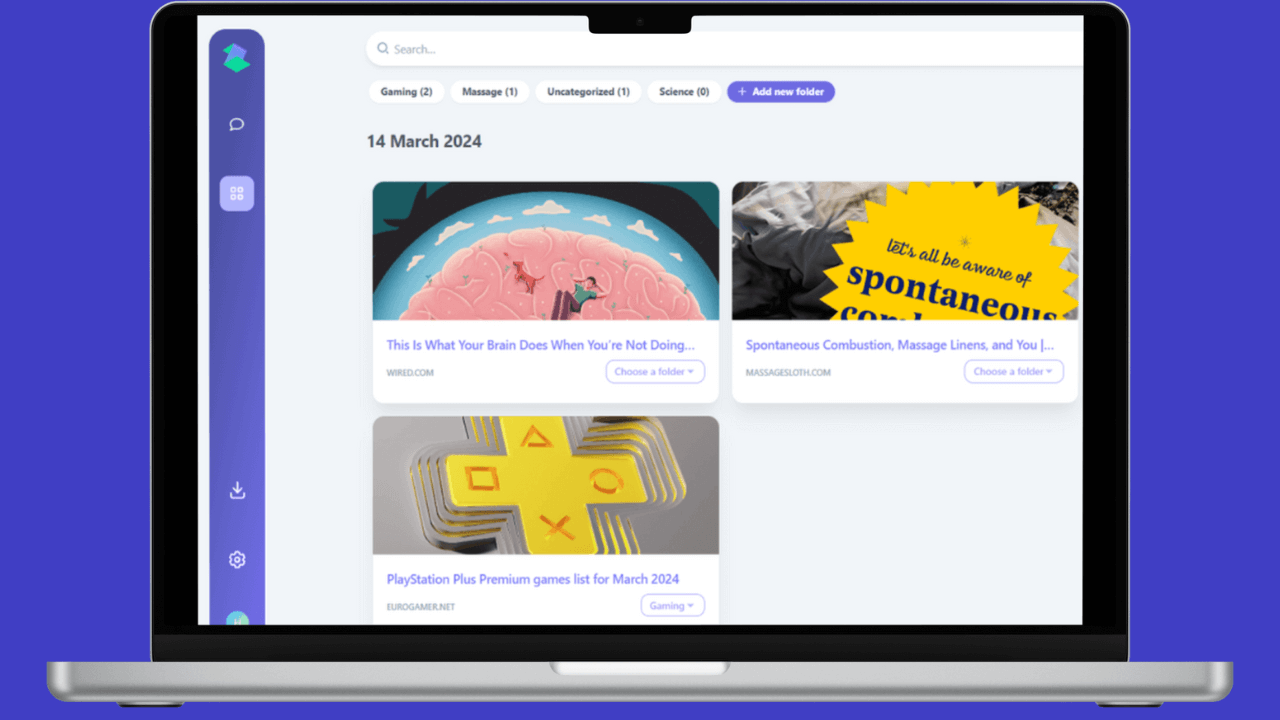
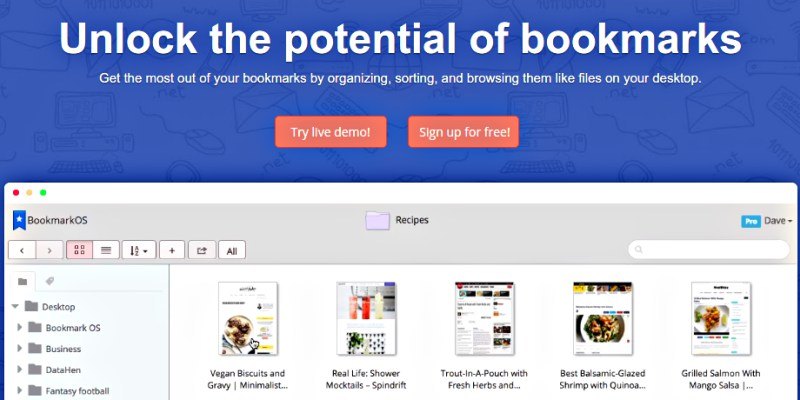
weloxy-logoKeeping track of where you’ve been on the web can be a challenge. Thankfully there are sites and applications out there that help you bookmark your favorite spots. Weloxy is a site to help you organize your internet travel well.

Here at Make Tech Easier, we have discussed several options to save your favorite internet destinations. Each has their own special feature or niche they service. Some are video related, some are more visual, others are text based. Weloxy lets you organize your link icons into different groupings.
[Read more...]

Configuring Places, Bookmarks, and Locations in KDE

kde-dolphin-logoPart of the free software experience is having the freedom to setup your workspace the way you want it. KDE, the popular free software compilation for Linux and other Unix-like operating systems, offers a plethora of configuration and customization options. Among those options are a number of methods for accessing files quickly and easily.
[Read more...]

Firefox 4 Review: App Tab, Panorama and Sync

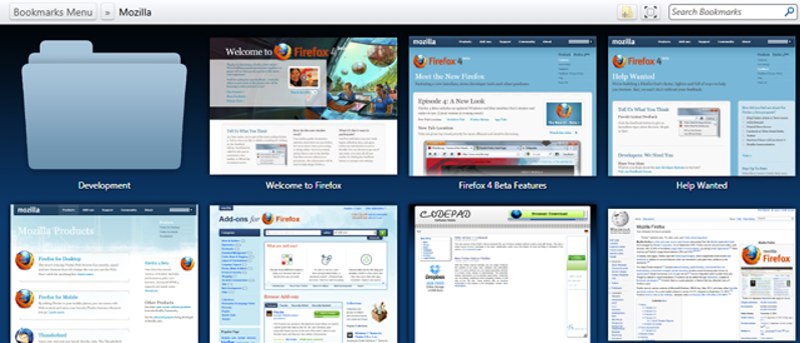
firefox4-mainMozilla has recently released the fourth beta of the Firefox 4 browser. I have been testing it since the first beta and I am happy to see the progress and the addition of new features with each beta. I have held on the review of Firefox 4 because most of the features are still unstable or not in place. With the release of beta 4, things are becoming more stable and plenty of new (and revolutionary) features are added to it, so it would be a great time to do up a review. There will probably be another one or two more beta before we see the release candidate and the final version.
[Read more...]

How to Combine Multiple Bookmarklets And Use It From Any Computer

BookmarkletsI love using browser bookmarklets for two reasons. First, they do not require any installation and you can easily save or backup them in case you are formatting your system. Second, browser bookmarklets work seamlessly with multiple browsers and there aren’t any compatibility issues as such.

Another great thing about browser bookmarklets is that they don’t hog down your system’s memory because they are invoked only when you use them. Else, they sleep silently in your bookmarks toolbar.

While it is easy to add multiple bookmarklets to your browser, managing them can be an painful task. You have to search the desired bookmarklet from the bookmarks toolbar and repetedly click the folder containing the bookmarklets. Not to mention the valuable screen real estate taken up by the bookmarklets.

In this tutorial, we will learn how you can combine and concatenate multiple browser bookmarklets into one and use all of them without having to clutter your bookmarks toolbar. Moreover, you can share the bookmarklet collection with anyone and can use it from any computer you want.
[Read more...]

Automatically Save Tweeted Links With Packrati.us

packrati-introThe social aspect of the web is intertwining itself into everything new. Applications and programs are coming out daily to add a new social feel to old out-dated applications. Some combine two applications to make one super application. One such web based application is Packrati.us.

The basic idea behind Packrati.us is to capture all of the links you talk about on Twitter.

Many people have a Twitter account. Most are using it to tell people what they are doing or chat back and forth. As these people get the hang of how easy it is to share information and sites of interest, it can be hard to keep track of all that information.

Delicious Bookmarks is site designed to help keep all of the websites you like or find useful, all in one location. Having your bookmarks stored online is a really handy for several reasons. Being able to access them from any computer or web enabled phone, subscribing to other peoples bookmarks and being able to link to a specific tag are just a few reasons to consider Delicious bookmarks.

So when you combine both Twitter and Delicious bookmarks, you got Packrati.us.
[Read more...]

How to Access StumbleUpon and Stumble Through Websites in an iPhone

su-webtoolbar2In the past, if you want to access StumbleUpon on your iPhone/iPod Touch, you will know that it is not an easy task. Back then, SU only exists as a Firefox extension and does not plays well with any of the mobile devices. However, with the launch of the SU web toolbar, anyone can now access StumbleUpon on any browsers without having to install any applications/extensions. The best thing, it works fine in iPhone/iPod Touch too.

[Read more...]

Three Easy Ways to Synchronize Your Bookmarks Across Various Browsers

Combined logo ImageLike many of you, I use a LOT of different computers. Some at home, some at work, some in between. Many of these computers have more than one operating system installed, and those operating systems may have more than one browser. All this leaves a LOT of places you may have saved your bookmarks. What’s saved on one might not be saved on another, or perhaps you reformatted your OS and forgot to backup your favorite websites. Fortunately, there are a multitude of ways to solve this problem, and today we’ll be covering some of them. Each of the programs/toolbars/extensions we’ll try out today can store your bookmarks outside your browser so that they can be accessed from anywhere.

[Read more...]

Better Manage Your Oneline Bookmarking With SpeedTile

speedtile_logoMost modern browsers come with useful bookmarking function that is easy for its users to bookmark their favorite sites.There is one limitation though: When you have too many bookmarks, it become difficult to manage. Speedtile offers you a great solution to organize your bookmarks with ease.

Speedtile is a powerful web bookmarking site that allows you to organize your bookmarks with tile preview and sort them in different categories. It also comes with many other features such as bookmarks sharing and screenshots preview of bookmarked sites.

[Read more...]

10 Useful Ubuntu-related Sites You Should Bookmark

Powered By UbuntuWe have arrived at the last part of the Ubuntu Jaunty series. If you have missed the first four part, here are the links:

First partWhat’s new in Ubuntu 9.04
Second partHow to upgrade from ext3 to ext4 without formatting the hard disk
Third part9 things you need to install after installing Ubuntu Jaunty
Fourth partDownload Ubuntu Installation guide and cheatsheet

In the fifth and the last part of the series, we are going to recommend to you some of the useful Ubuntu-related websites that you should bookmark and reference to regularly.

[Read more...]