Work faster and smarter in the Terminal with these Bash tips and tricks.
By Haroon Javed – Sep 29, 2025
Ghostty promises speed, native integration, and a feature set that feels refreshing compared to older terminals.
By Haroon Javed – Sep 1, 2025
A Linux exit code often provides a quick clue about the nature of the problem.
By Haroon Javed – Apr 15, 2025
Want to change your default Linux shell? Learn how to find your current shell and change it to another installed shell using various methods.
By Haroon Javed – Aug 9, 2024
While WebM is a great format for web video, there may be times when you need to convert WebM to other formats. Let’s explore various methods to do so.
By Haroon Javed – Jul 22, 2024
Clearing history logs on Ubuntu is necessary to free up storage space and make the Linux system run fast. Learn how to remove history on Bash, Nautilus, and Gedit today.
By Ramces Red – Jun 8, 2024
Discover how to make your Mac work harder for you with automation by scheduling run scripts using launchd.
By David Morelo – Aug 17, 2023
You’ve likely heard of Linux’s Bash and Microsoft’s PowerShell, but not sure how they work. Here we pit them side by side and see how they compare with each other.
By Miguel Leiva-Gomez – Jun 30, 2023
GNU Bash is a powerful command interpreter for Linux. Learn how to extract the most out of it using some of its built-in special characters.
By Ramces Red – Jun 9, 2023
Variables are one of the most important parts of the Bash command shell. Learn how they work and how to use them effectively.
By Ramces Red – May 17, 2023
The bashrc file is a critical part of every Unix-like system’s shell. Learn how you can edit and customize it to your own workflow.
By Ramces Red – Apr 21, 2023
Installing Git and Git Bash in Windows is very easy. Check out these methods to install Git on your Windows device.
By Sayak Boral – Apr 14, 2023
Quickly get acquainted with rc shell.
By Ramces Red – Jul 25, 2022
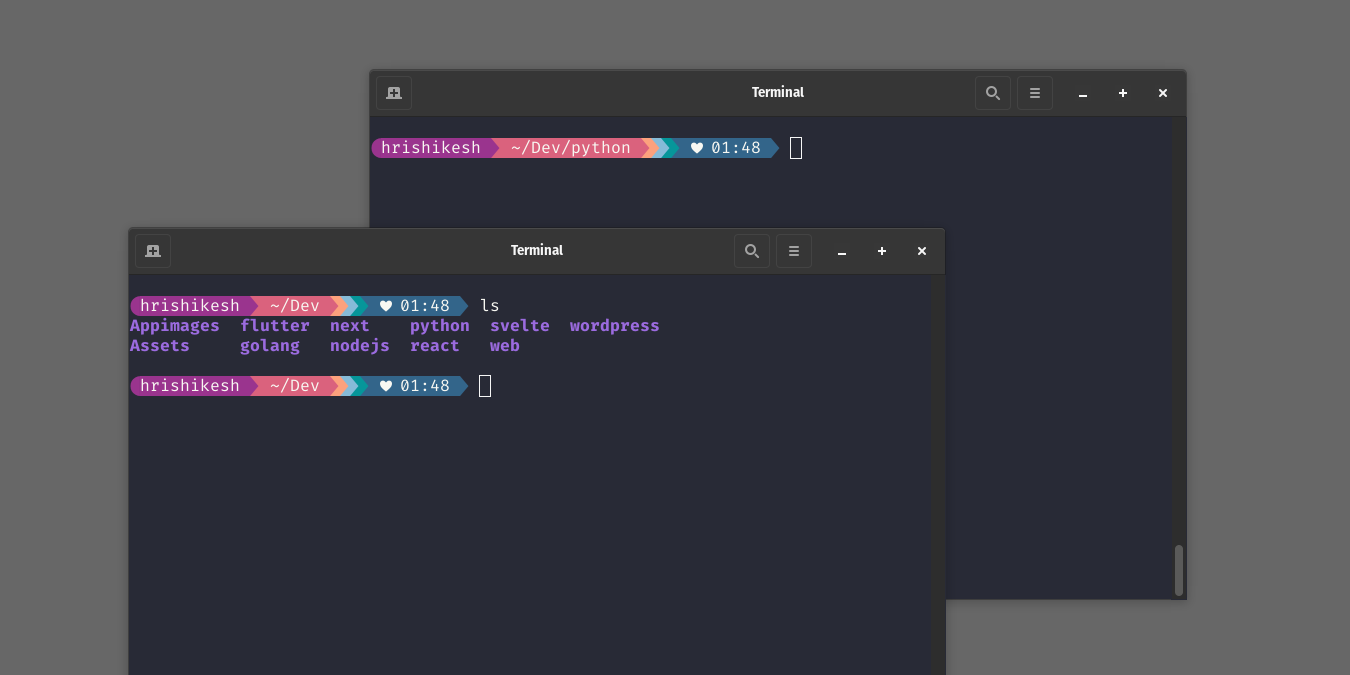
Easily beautify and customize your Linux Terminal prompt!
By Hrishikesh Pathak – Jul 22, 2022
The bash prompt can change the way you use the terminal, and improve your productivity. Learn how to make good use of it.
By Tom Rankin – Sep 29, 2021
When it comes to scripting on Linux, you have to use the Shebang, or #!. Learn what shebang is and how to use it in Linux.
By John Perkins – Apr 8, 2021
If you are doing Bash scripting, you will have to make use of a For loop at some point in time. Here we show you how to use the Bash For loop command.
By John Perkins – Feb 12, 2021
It is annoying to run a command in your terminal and see it run for hours. Learn how to run bash commands in the background.
By John Perkins – Jan 15, 2021
Next >
Affiliate Disclosure: Make Tech Easier may earn commission on products purchased through our links, which supports the work we do for our readers.