Normally when you visit a website and find words you are interested, you execute a web search and quickly research these words. These words are mostly people, places, or institutions mentioned on a webpage. Often, the same words are found interesting by other people who have visited the website. Each visitor executes his own web search and quick research about these interesting words on the same webpage they all visit. Wouldn’t it be helpful if the research information about these was share with all site visitors?
[Read more...]
iGlue: Add an Informative Layer on Every Webpage to View Useful Structured Information
Okular: Universal Document Viewer For KDE 4
One of the new applications introduced with KDE 4 was Okular. KDE 3 had a PDF viewer named KPDF, but Okular aims to be a complete document viewing solution, supporting many different file types. Okular is fast-loading and works in any operating system and desktop environment that can run KDE applications.
[Read more...]
Screenpresso: A Powerful All-in-one Screen Capture Tool
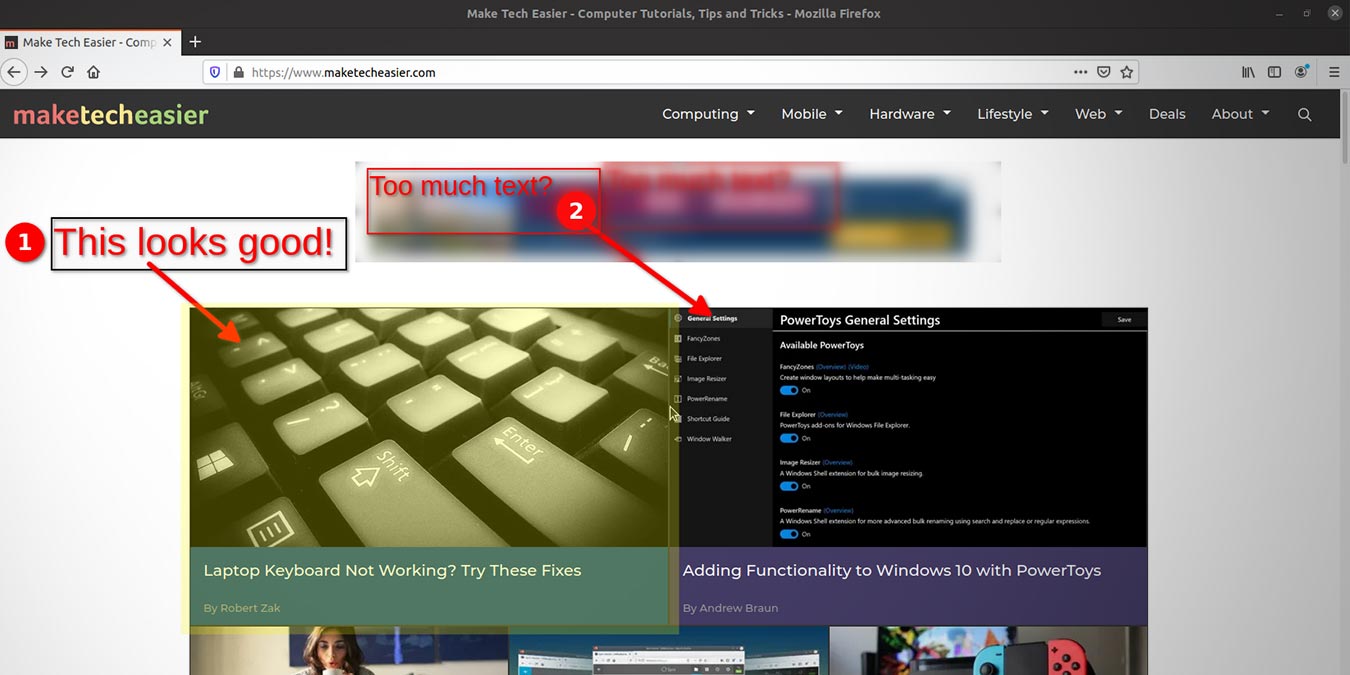
For a screen capture program, Screenpresso offers more than most. When I first took a look at the feature page, I was astonished at everything it can do. This desktop program (which can also be ran from a USB stick), offers editing features you would normally need another program for. Annotations, auto resizing and a blur tool are just a few features packaged in. Peruse some of the others below.
[Read more...]
Tablet Note-taking Made Easy with Xournal
Every tablet needs a good writing application –something to take notes, make annotations, and maybe even scribble a quick sketch. Xournal is a GTK-based program that does just that. It works with Linux-compatible desktop graphics tablets, tablet PCs, and maemo-based handheld devices (such as the soon-to-be released Nokia N900). Xournal is available in many distribution repositories, or you can download the source code from their website.
Features
By default, Xournal presents you with a notebook background. You can change that to a blank page, a a plain ruled page, or a graphing grid. To do this, click the “Journal” menu, then “Paper Style”, and then choose the one you like. To change the paper color, click “Journal” and then “Paper Color”.
[Read more...]