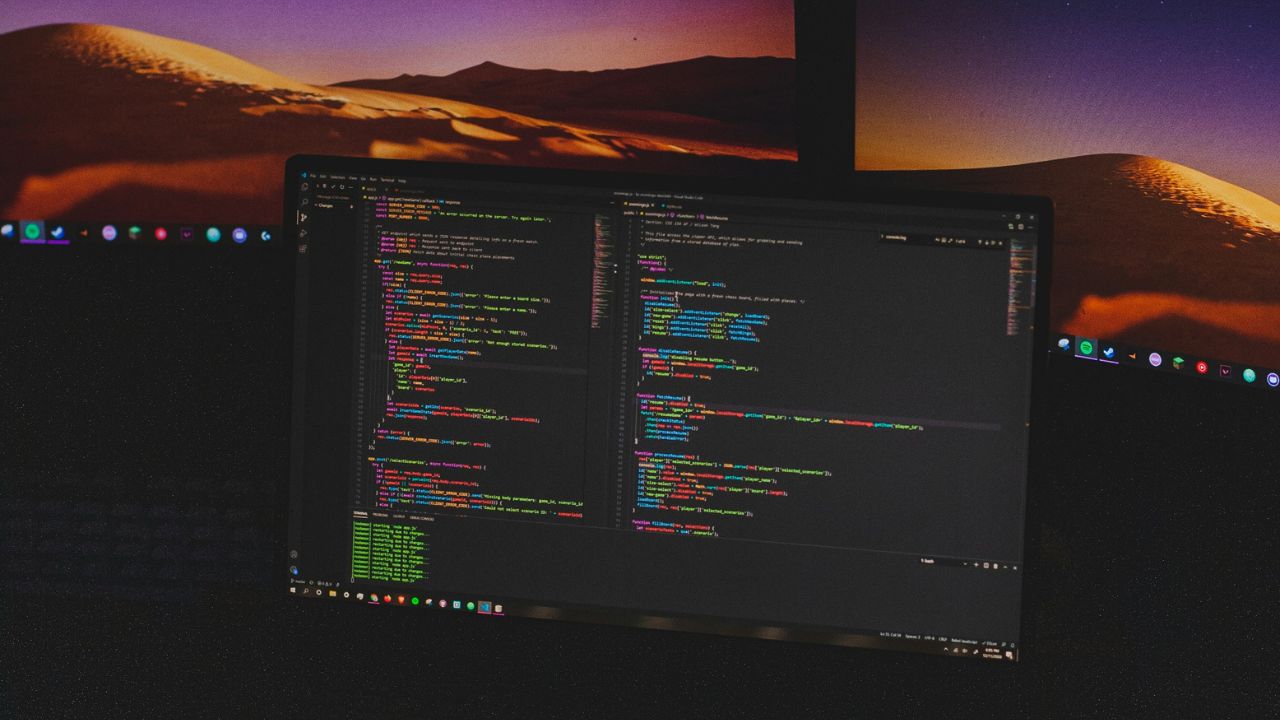
The way fonts look on operating systems is important. Fonts rendered too poorly can make it harder to read text on screen. On Linux, while font rendering looks decent, it is nowhere near as good as it could be when compared to operating systems like Windows, macOS and Chrome OS.
In this article we will show you how to improve the way fonts appear on the Linux platform with the help of Infinality, a font configuration setup that makes font rendering look much better overall.
Installation

There are many ways to install fontconfig-infinality. One way to get fontconfig-infinality requires the user to move the files around manually to get things going. This way is fine but not nearly as easy as using the OpenSUSE build service. By installing via a package from the OBS, the system can set up fontconfig-infinality automatically. As you install the package, it will disable current configurations and apply the new ones.
Select one of the listed operating systems here. This reveals packages that can be downloaded. Clicking on Ubuntu 16.04 reveals a downloadable DEB package, etc. With the package downloaded, right-click on it to start the installation with your Linux distribution’s package installation tool or via the package manager and terminal.
Once installed, simply reboot your system, and the new Infinality font configuration will be applied to the system.

Other Ways to Improve Font Rendering

For those using GTK3+-based desktop environments (Gnome, Unity, etc.), open a terminal and search for “Gnome tweak tool.” Depending on your Linux distribution, the package may be named differently. When installed, launch it and head over to “Fonts.” Under this section, change the hinting and anti-aliasing from what it is currently set to. These settings are subjective, however; keep in mind that hinting and anti-aliasing is what makes fonts more readable.

For KDE users, open up the system settings, look for “Fonts,” and click on it to launch it. Inside the “Fonts” system settings area, look for “Use anti-aliasing” and set it to “Enabled.” Then, click the “Configure” button. From here the user can edit the way the font hinting and anti-aliasing is displayed on the system. To apply the new font settings, select “OK” followed by “Apply.” The font rendering changes happen instantly. Immediately users will notice the changes when the new settings are applied.
Conclusion
Though many people don’t talk about it much, fonts are a critical aspect to any operating system. Without quality fonts, graphical interfaces crumble and text becomes hard to read. Out of the box, Linux installations do a satisfactory job of making sure that fonts look okay. However, “okay” isn’t enough, and that’s why Infinality exists – to pick up the pieces. Hopefully soon tools and configuration files won’t need to be tweaked to make things look better. For now, it looks like this is as good as it will get.